Report the site
A complaint to the data protection authority where you live, built from the evidence.
A cookie banner asks to track you. Here is what Datawake does next, step by step.
Step 1
The moment a cookie banner appears, Datawake clicks Reject and sends the Global Privacy Control signal. You don't have to do anything.
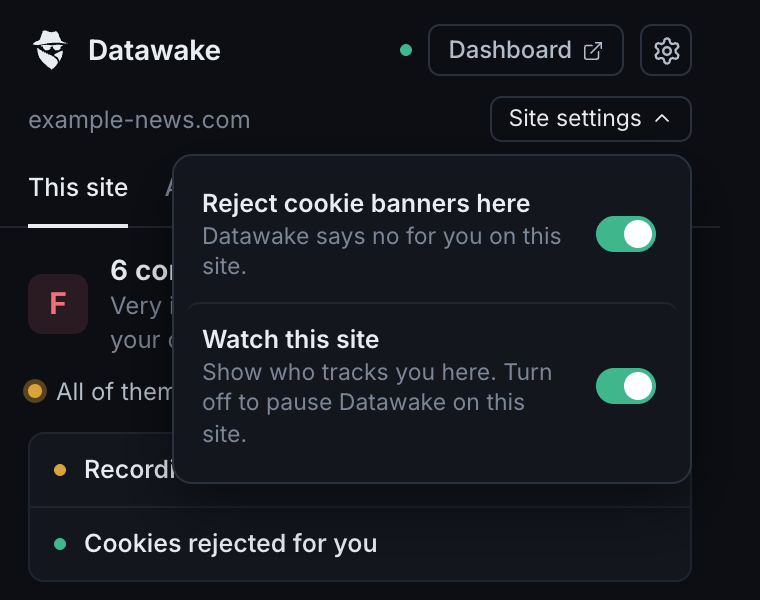
Trust a site and prefer to handle its banner yourself? Turn off rejecting there in one click. Datawake keeps showing you who tracks you.
Step 2
Saying no is only half of it. Datawake keeps watching, and if the site tracks you anyway, it keeps the evidence: the cookies, the companies and the time. If you turned notifications on, you hear about it straight away.
_ga and Meta sets _fbp anyway.Example from a test page.
Step 3
Fingerprinting identifies your device without cookies, so rejecting them doesn't help. Datawake shows you who tries it, and can stop it from following you.
The same ID on every site, so you can be followed.
| example-news.com | 5978a1b6 |
| example-shop.com | 5978a1b6 |
| example-travel.com | 5978a1b6 |
A different ID on every site, so it can't connect your visits.
| example-news.com | 7625ecd6 |
| example-shop.com | 70aafa0d |
| example-travel.com | 1f63c5e8 |
Real values from the same fingerprinting script on three test sites. Protection is optional: turn it on in Settings. The changes are invisible and stay the same within a page, so sites keep working.
Step 4
On the site you're on, and across everything you've visited.
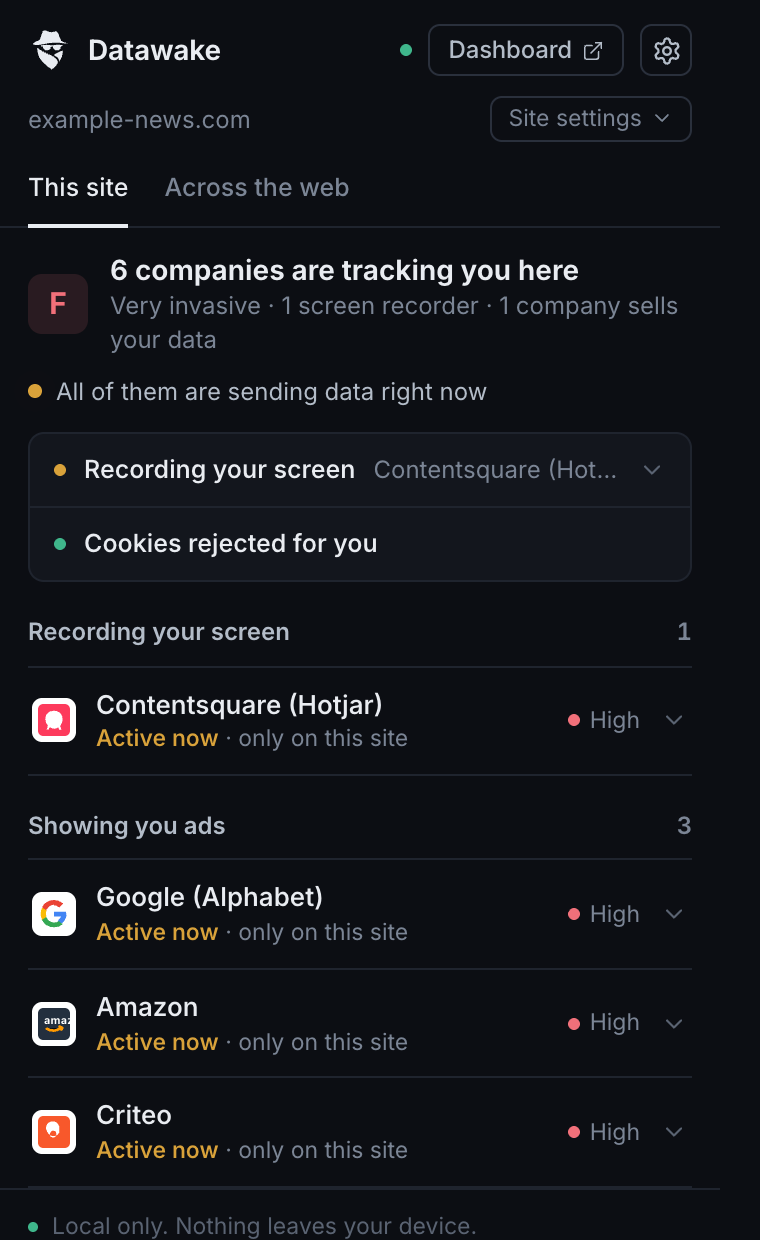
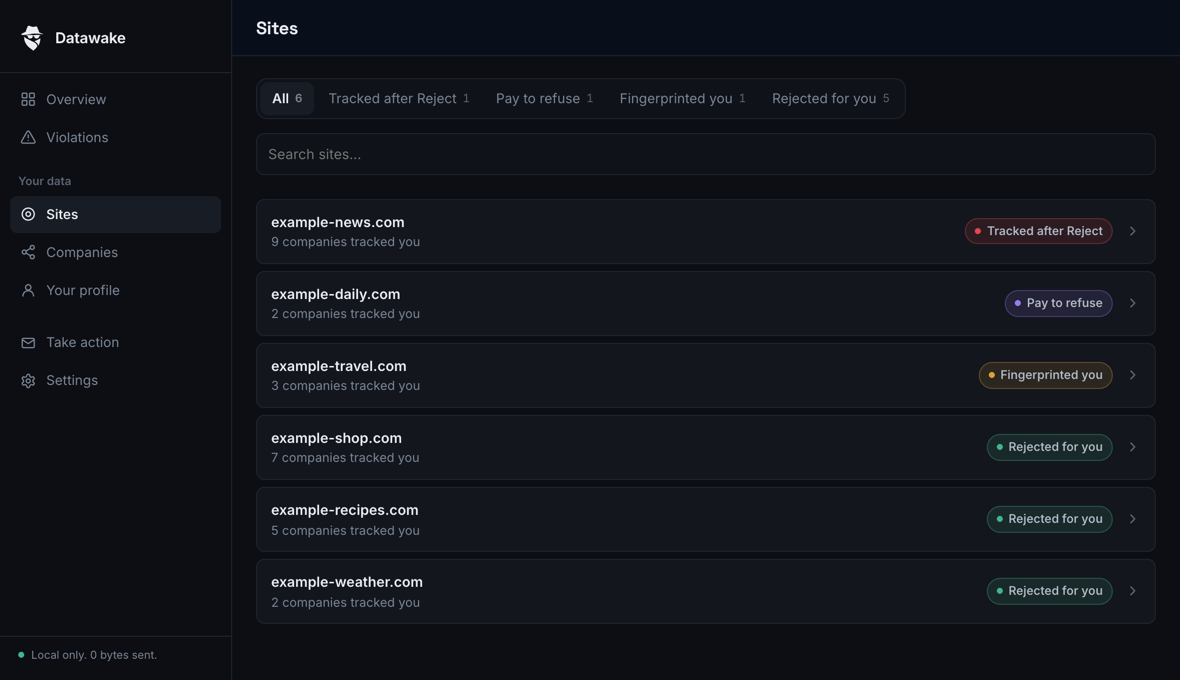
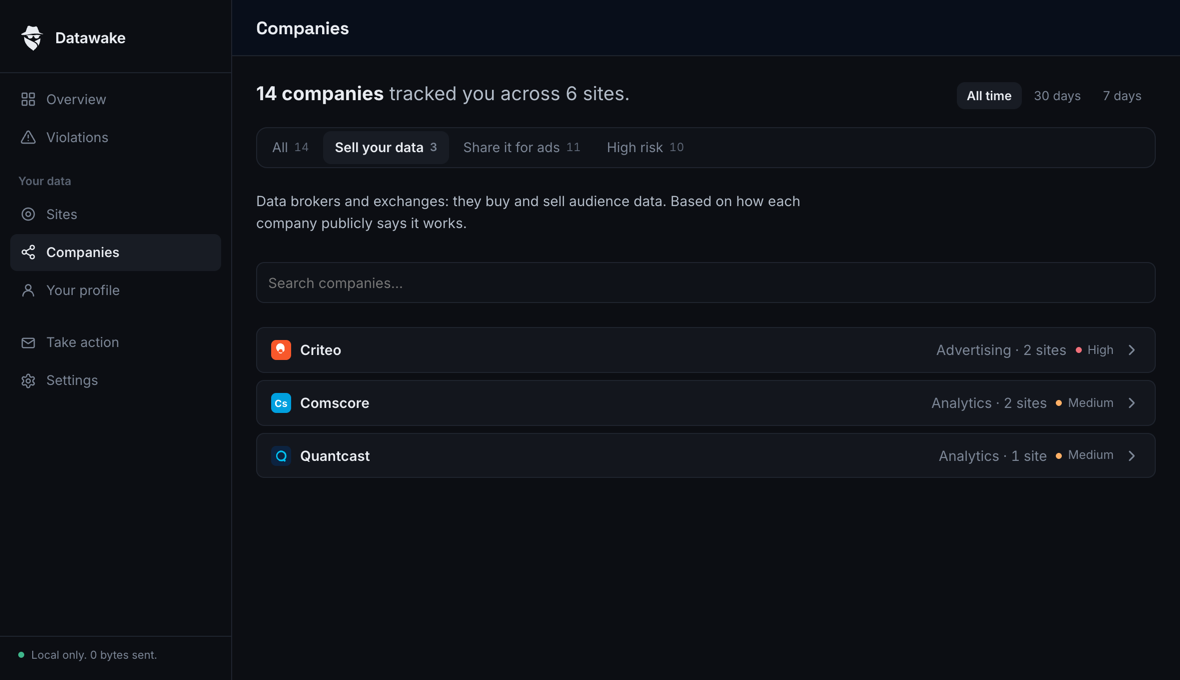
Step 5
Datawake writes the paperwork from what it recorded. You read it, change anything you like, and send it yourself.
A complaint to the data protection authority where you live, built from the evidence.
A ready GDPR letter asking a company for a copy of your data, or to delete it.
See whether your email address appears in a known data breach, and what leaked.
Check my emailThe companies a page connects to, its cookie names, and the scripts that read your device. It needs this to do its job.
A history in your own browser, deleted after 90 days. Violations stay until you clear them, so you keep the evidence.
Nothing, unless you run the email breach check, which looks up only the address you type.
No account, nothing to set up.
Install for freeComing next: weekly summaries, light mode and more languages. Follow releases